Identify equipment
Create equipment records and use QR codes to identify items on site. Consistent names and references make tracking across projects easier.
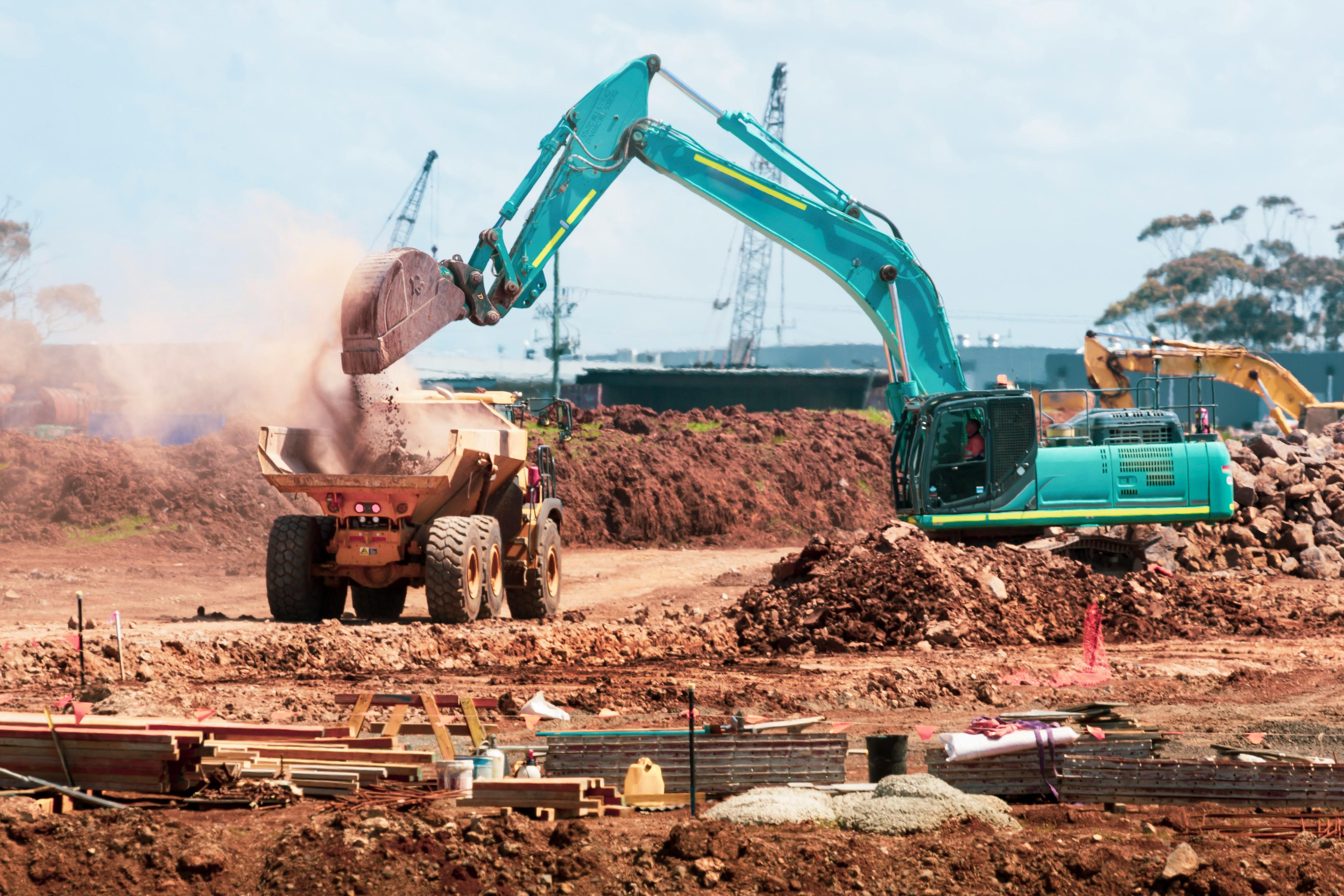
Plant & equipment
Find equipment, assignments and history in your dashboard. QR codes make it easier to identify each item on site.
On site
Create equipment records and use QR codes to identify items on site. Consistent names and references make tracking across projects easier.
The dashboard brings together recorded equipment information. Review assignments and history to prepare work and check availability.
Each machine or piece of equipment has a QR code. Workers scan it through WhatsApp to record taking it, returning it or reporting a fault.
/ressource ENG024
08:15Check the equipment status and choose an action. Equipment: CAT 320 excavator Site: Résidence Les Oliviers
08:15Scanning links the worker to the equipment and project, recording the information digitally.
/ressource ENG024
08:15Check the equipment status and choose an action. Equipment: CAT 320 excavator Site: Résidence Les Oliviers
08:15Find declared usage, assignments and history for each item. The equipment manager has the context to organise upcoming work.
Review an item's history across projects to plan maintenance, support a rental record or answer an insurance query.
Practical construction guides that go deeper on this topic.
Have another question? Contact us.

Built for construction teams