Define a useful task for the team
Describe the work, its project and, if needed, its work package. Assign a person, several people or a team. Planned start dates and deadlines are optional.
Site tasks
Create tasks, assign people and track progress. List, Kanban and Gantt views help you organise priorities.
On site
Describe the work, its project and, if needed, its work package. Assign a person, several people or a team. Planned start dates and deadlines are optional.
The list shows details, Kanban groups tasks by status, and Gantt shows planned dates. Authorised people update the status; a date passing does not by itself mean the work is finished.
List outstanding work by zone, work package or item. Set an assignee and priority, with an optional deadline, to build a shared task list for the project.
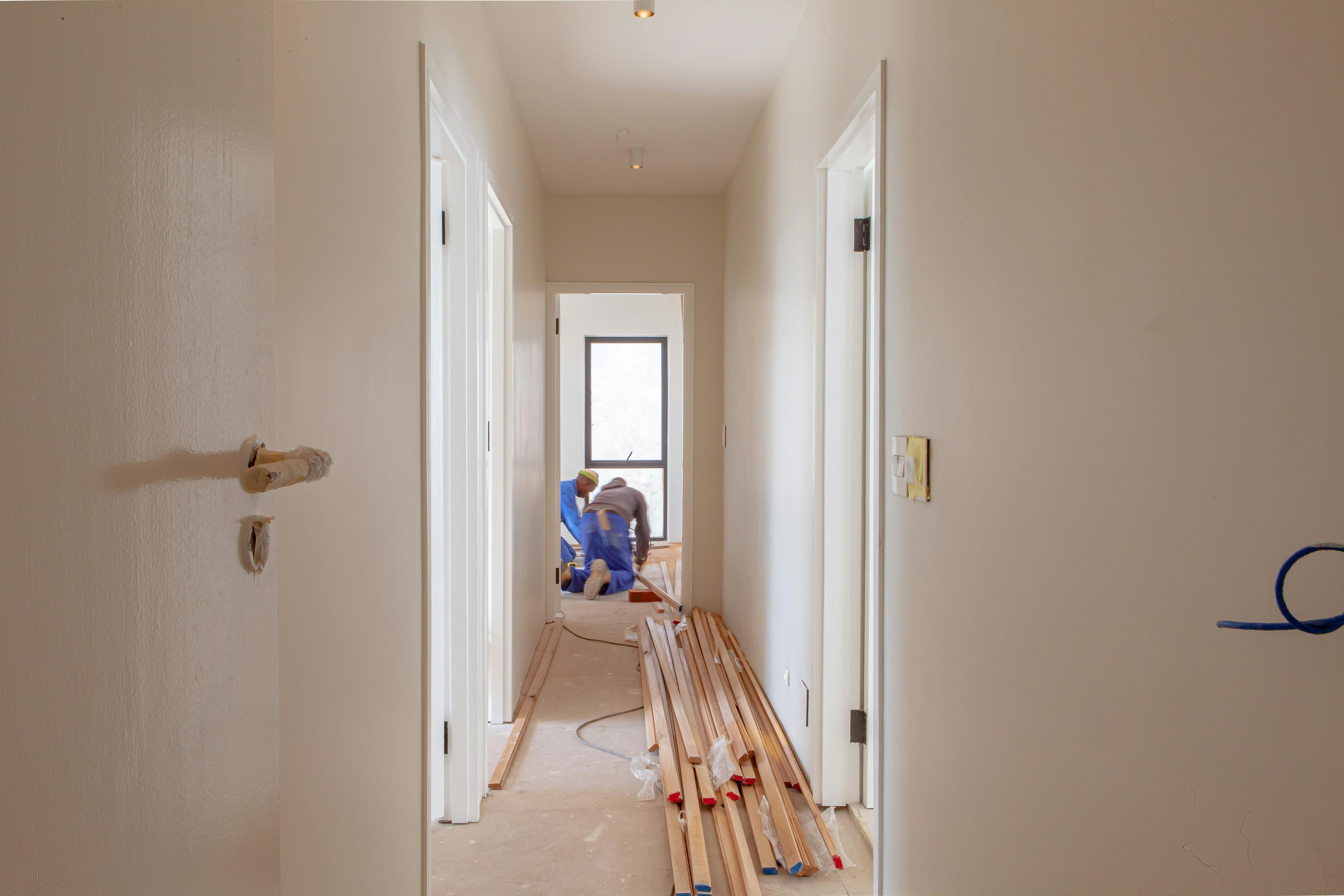
On site, the worker updates a task through a WhatsApp form: to do, in progress or completed. The office sees the change before the evening report.
My tasks
08:15Résidence Les Oliviers Install partitions · In progress Check finishes · To do
08:15Install partitions
08:15Ground floor · Finish installation and check openings. Status: In progress
08:15View tasks on a Kanban board or Gantt chart. Upcoming deadlines and delays are visible so you can prioritise actions.
Each task keeps its status history. See when work started, when it finished and who completed it. Use that record to review actual progress at project closeout.
Practical construction guides that go deeper on this topic.

Built for construction teams