The lining is installed. At the office, a question comes up about a service penetration, but the available photographs only show the finished room. The detail needed to understand the work before it was covered is missing.
Useful insulation site records identify what needs to be documented before work becomes concealed. This guide provides a filing method, a photography plan and a sample record. Adapt technical checks to the actual installation method.
Agree location references before installation
Divide the project into stable areas: facade and orientation, dwelling and room, or floor and bay. Use the same references in daily reports and photo filenames.
Keep the product reference and the installation document used. A photograph of packaging is difficult to interpret if nobody knows where the product was installed. Associate it with the relevant zone or delivery.
Agree with the site supervisor which stages need documenting before they are covered. Include this in the day's work plan and in the handover to another crew when teams change.
Plan photographs that explain the work
The list below helps prepare site photography. It does not prescribe installation methods or technical acceptance limits.
| Stage | View to record | Context to include |
|---|---|---|
| Before work | Overall condition of the substrate and area | Location, date and relevant observation |
| Product delivery | Readable reference for the product | Intended zone or delivery reference |
| During installation | Work completed in its surroundings | Finished and outstanding sections |
| Specific detail | Overall view followed by the joint or penetration | Exact reference and item requiring review |
| Before covering | Visible condition of the documented area | Associated check, person and date |
| After remedial work | A view comparable to the original | Completed action and original issue reference |
A clear photograph first needs to locate its subject. Ten close-ups are of little use if the reader cannot place them. Take an overall view, then the necessary detail. Keep the images that help explain the work.
For projects in France, the Agence Qualité Construction provides a PROFEEL self-check sheet for internal insulation on framing. It covers stages including preparation and coordination with other trades. AQC states that this resource is not exhaustive and does not replace RGE audit checklists.
A separate resource covers converted attic insulation. Select guidance that matches the work and local requirements, then retain the observations and documents associated with the checks performed.
Sample insulation progress record
This fictional example describes an outstanding coordination item before lining. Set durations and technical conditions for the actual project.
| Field | Example to adapt |
|---|---|
| Project | Tilleuls refurbishment |
| Date and location | 10 November 2026, dwelling A, bedroom 2, north wall |
| Stage | Internal insulation installation, before lining |
| Product | Reference to be recorded from the installed product |
| Progress | Installation completed in the photographed area |
| Open item | Service penetration detail to review before covering |
| Photographs | A-BED2-N-overall and A-BED2-N-penetration, dated the same day |
| Required action | Site supervisor to arrange review under the applicable procedure |
| Next step | Confirm the following intervention after the item is addressed |
Use a separate entry for each outstanding item. Keep “awaiting review” visible until the check has been recorded. Uploading a photograph alone does not mean the issue has been resolved.
Adapt the daily site report template to these fields. The report describes events; supporting files preserve their context.
Retrieve photographs weeks later
Use a consistent filename rather than inventing one for each upload. For example: 2026-11-10_Tilleuls_A-BED2-N_before-lining_01. The date, project and location remain understandable after download.
Group files by project and use zone references when searching. Keep a remedial-work photograph with the original observation's reference. The construction photo filing guide describes this organisation in more detail.
During coordination, review areas due to be covered next. Confirm that expected records are available and open actions have a response. If work is rescheduled, record the reason in the site schedule.
Connect field records to the project file
Krewsite Forms structure field submissions by project. The WhatsApp workflow gives crews an entry point, and the office reviews reports in the application. Documents and issues complement this record according to the information being retained.
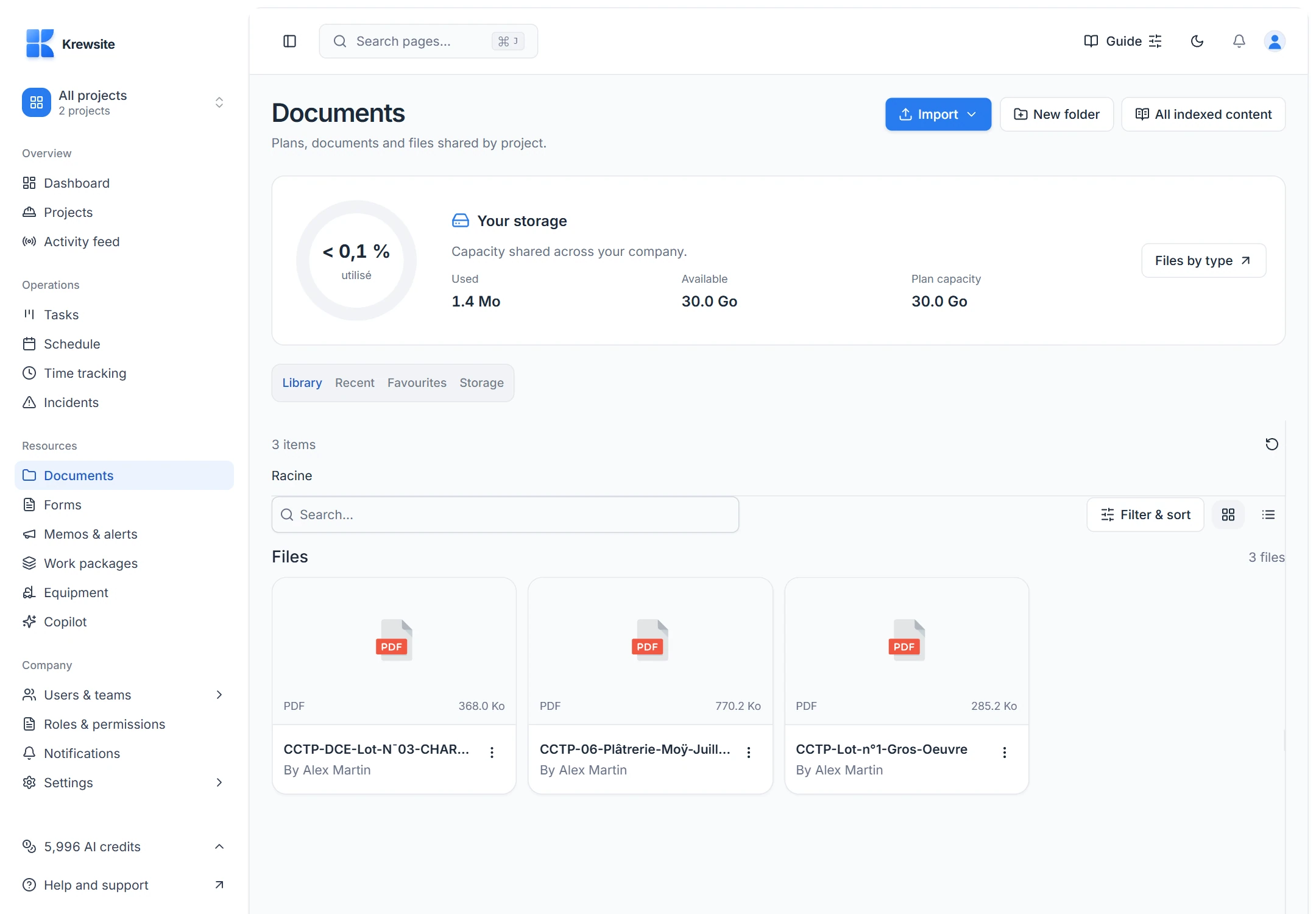
Demonstration screenshot of document filing. It does not establish the technical compliance of an installation.
Start your team's template with the project's location references and check points. Explore the insulation site workflow, then test retrieval from the office: project, zone and date should identify the relevant photograph.
Frequently asked questions
Which insulation photographs should you retain?
Plan views that explain the work: substrate before installation, product references, installation stages, details needing review and condition before covering. Associate them with locations and the checks specified for the project.
Do photographs establish that insulation is compliant?
They document what was visible when taken. They complement applicable checks, measurements and records; they cannot establish every property of the installed work.
How should an outstanding check be handed over?
Describe and locate the item. Attach an overall view and the useful detail. Identify who will coordinate the response and when it will be reviewed, then keep the outcome with the original observation.
