Describe the problem on site
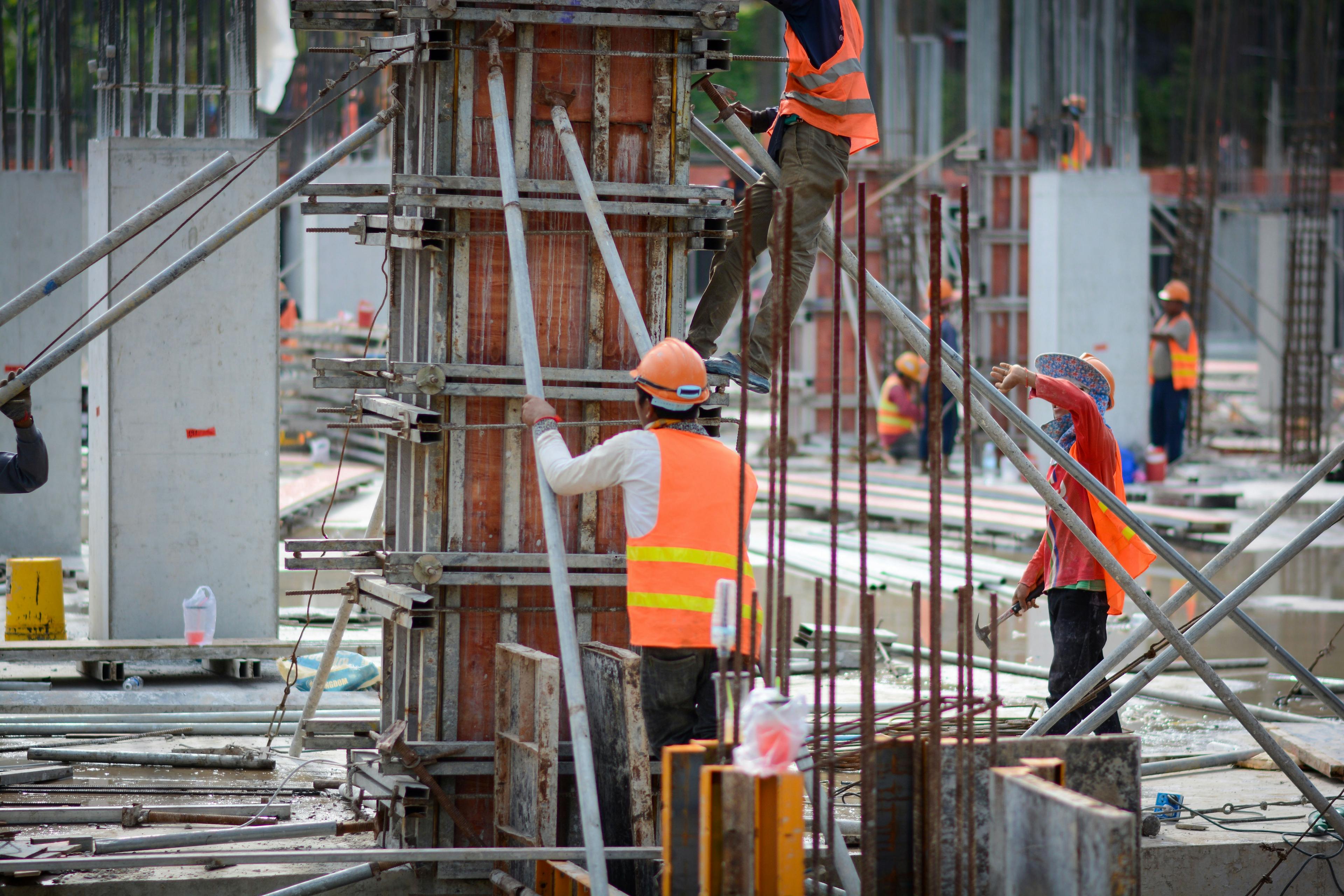
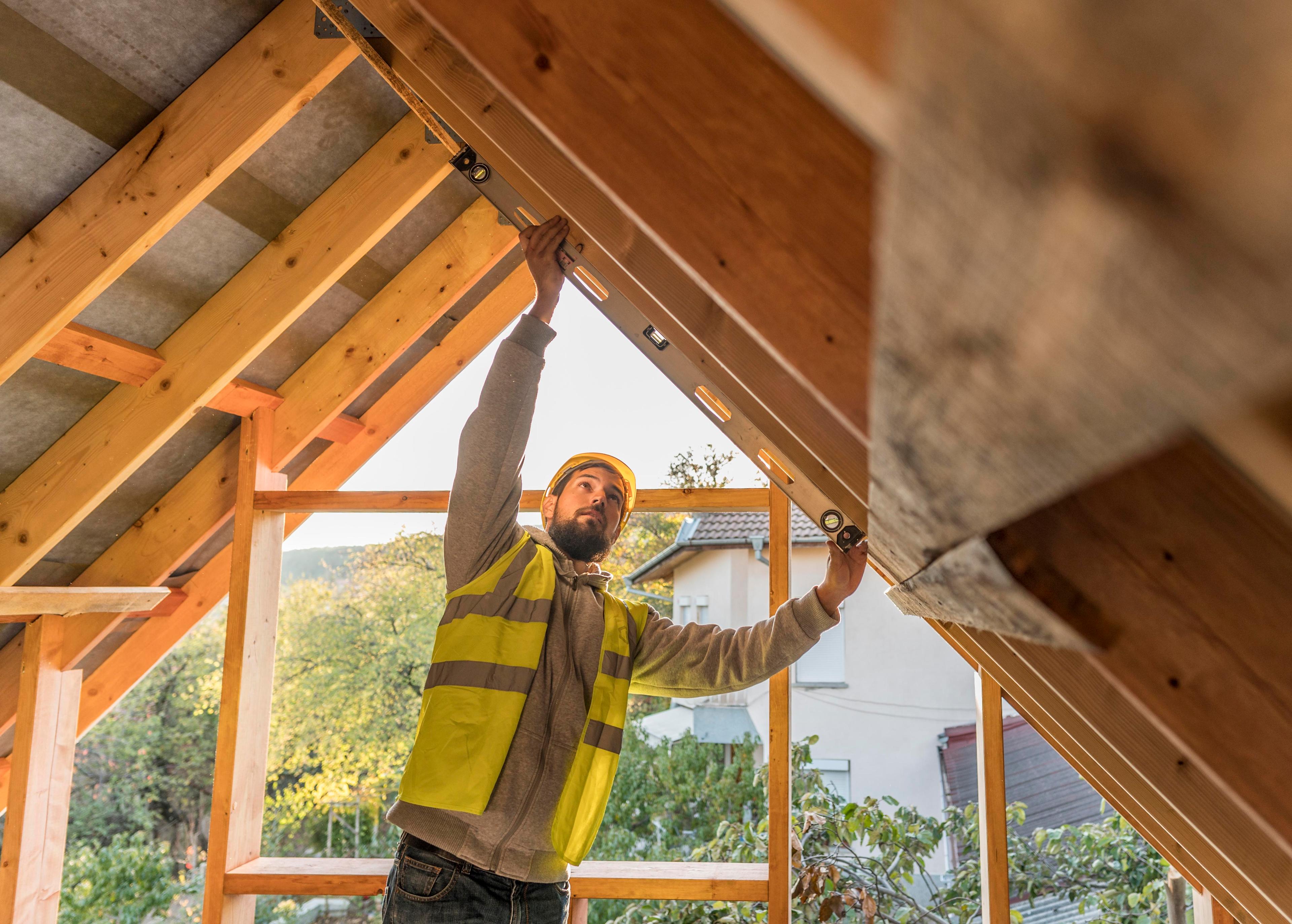
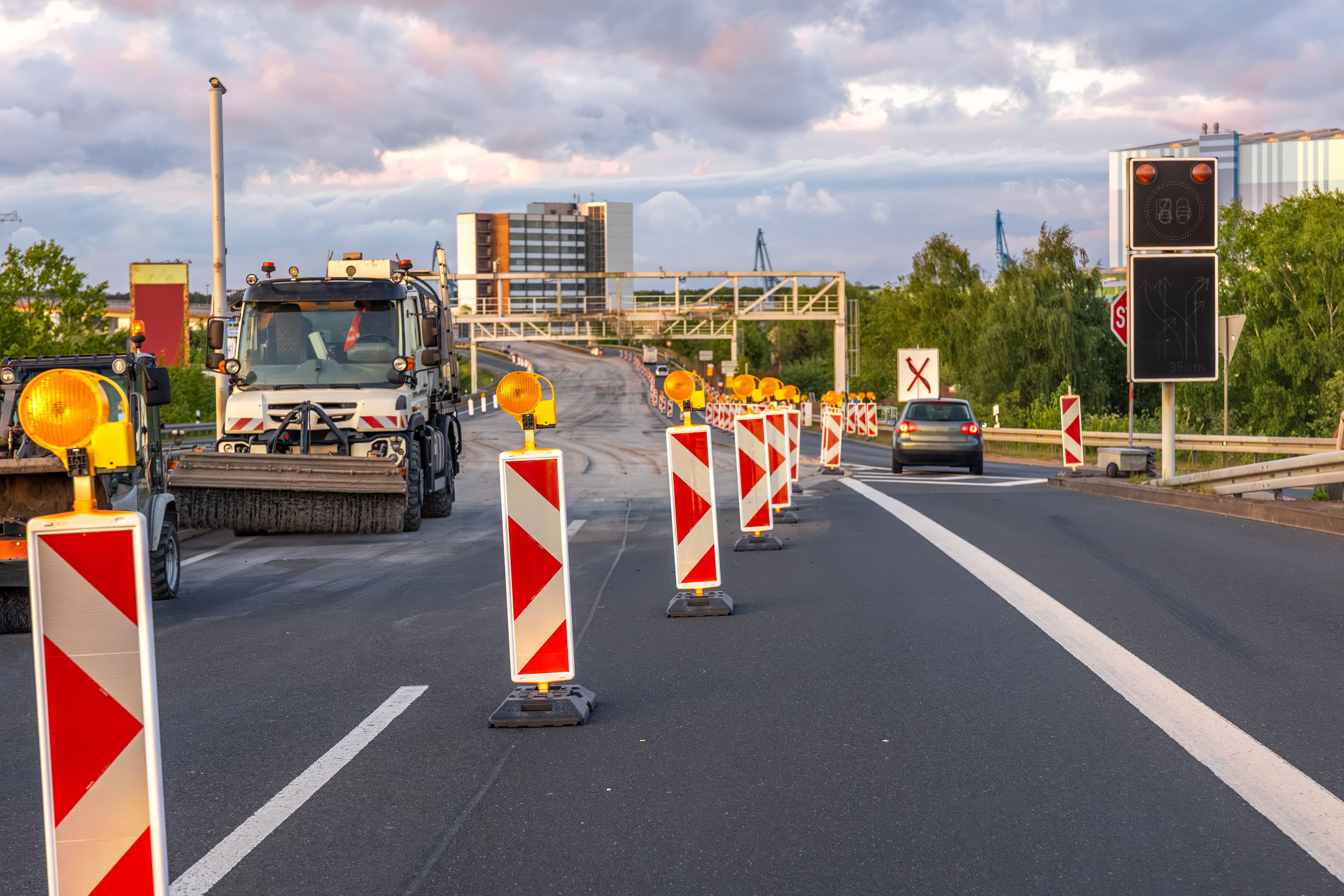
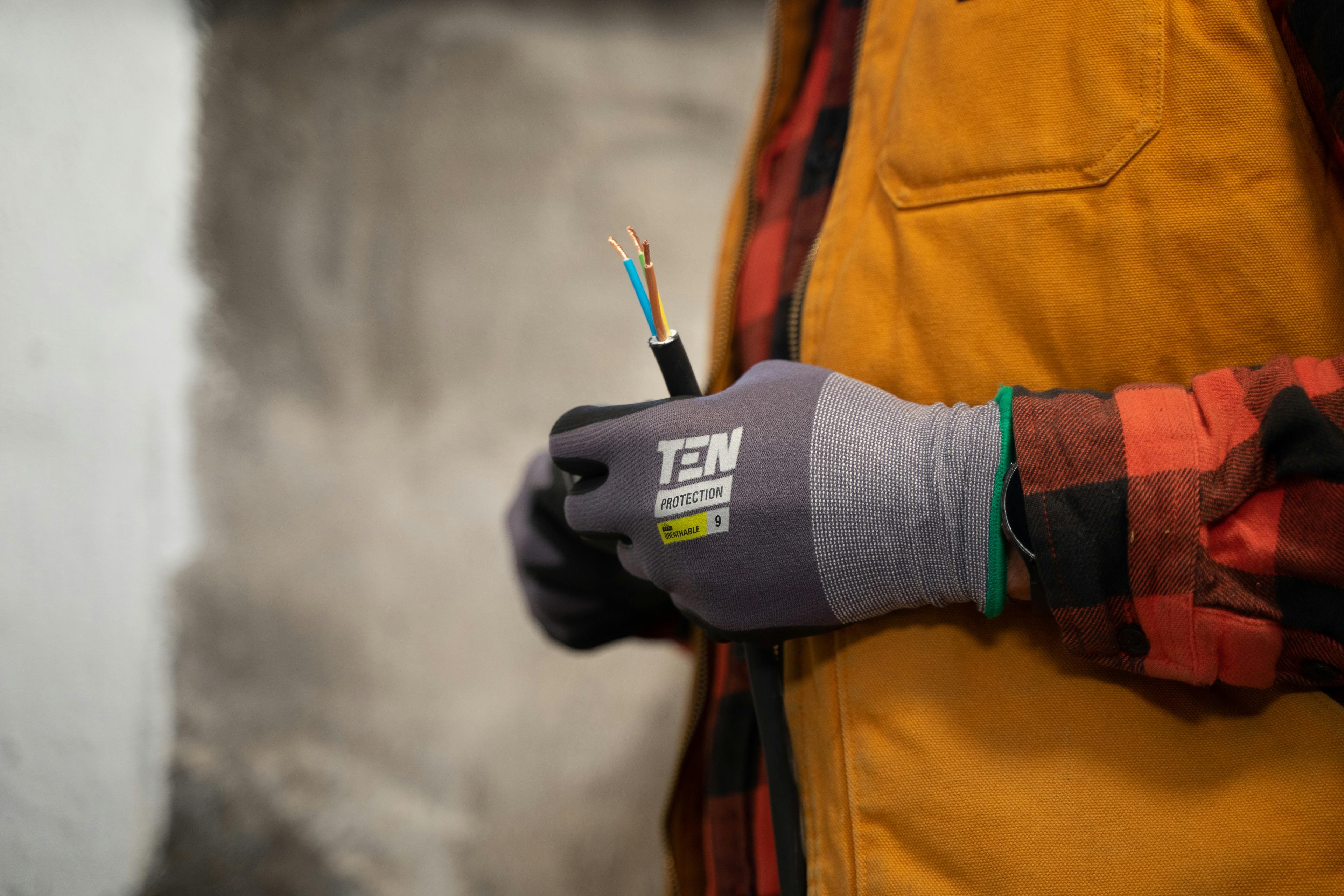
Select the project, describe the defect and set its priority. Add a photo to show the situation and help the office plan a response.
Issues
Field teams describe the problem in WhatsApp and can attach a photo. The office sees the project, priority and status to arrange a response.
On site
Select the project, describe the defect and set its priority. Add a photo to show the situation and help the office plan a response.
Find issues in the dashboard. Review their descriptions and status, then update the record as work progresses. The history helps prepare discussions with the people involved.
A voice note can prepare the description and requested assignment. The worker reviews the form, adds a useful photo and confirms the incident.
I would like to report an issue at Les Oliviers. Two doors are missing to finish the ground-floor flats. Assign the follow-up to the fit-out team.
Review the incident details before submitting.
10:24The form inside WhatsApp lets you check the site, priority and assignment. A photo step adds context before submission.
Report an incident
10:24Describe the issue on site.
10:24When a critical issue is recorded, the office team is notified in the dashboard so they can arrange a response promptly.
Each issue follows a clear workflow: pending, in progress and resolved. Its owner updates the status as work progresses, and the full history remains available by project.
Practical construction guides that go deeper on this topic.
Have another question? Contact us.

Built for construction teams