By equipment or zone
Every visit is linked to the right project.
- Installation history
- Archived voice notes
- Handover overview
Getting started
Multiple sites
It is hard to know what each technician worked on.
Heating & HVAC
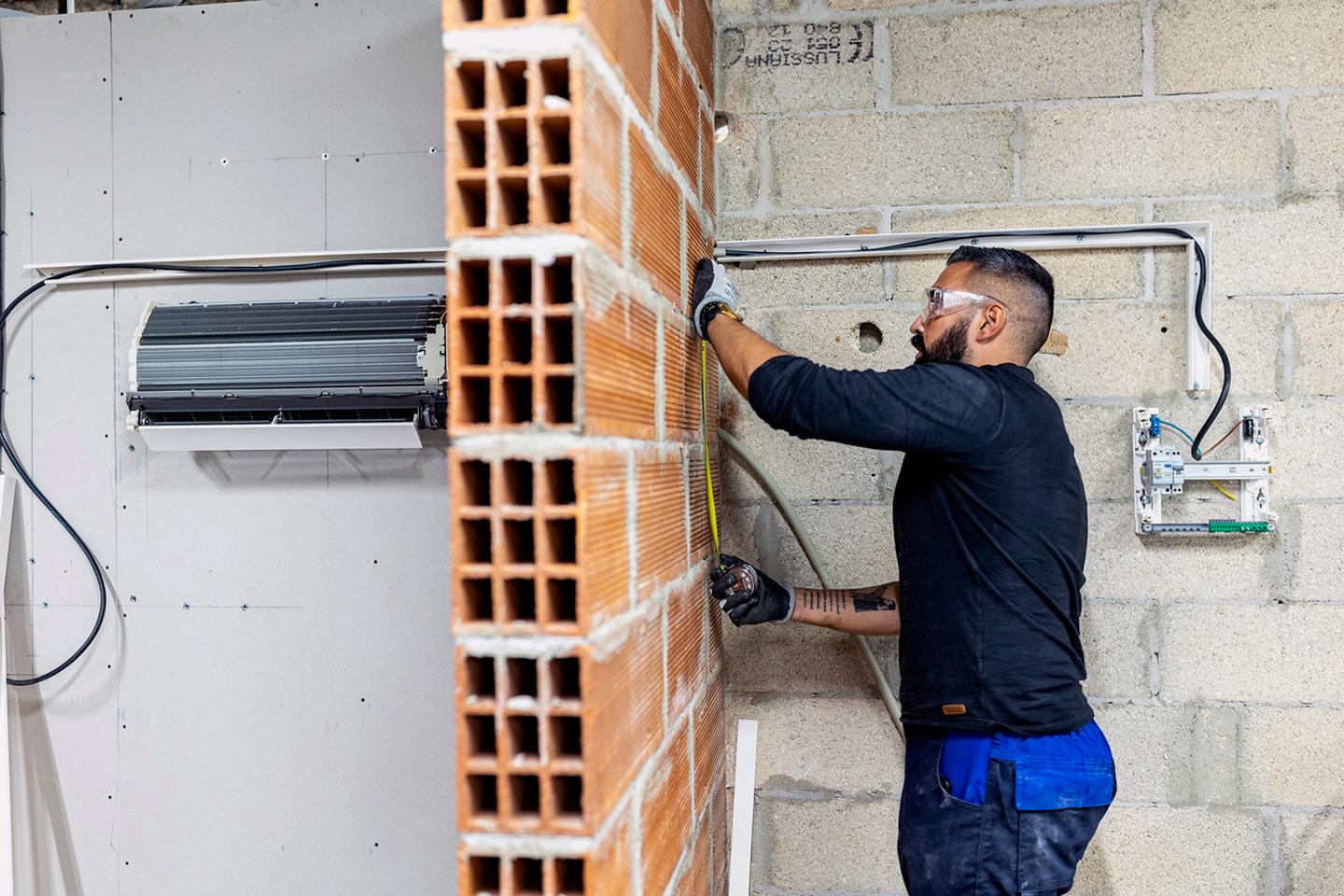
Record work on systems and equipment. Find test reports, photos and defects in the project record.
Your day on site
Every visit is linked to the right project.
It is hard to know what each technician worked on.
Record progress and defects once.
Test results are buried in voice notes and difficult to find six months later. Delayed system installation holds up finishes. The office finds out late.
Copilot helps find drawings and manuals.
Drawings and manuals are not always accessible on site. Without a history, every return visit starts from scratch.
One WhatsApp conversation for all your HVAC projects. The team selects a project and follows the guided steps to send a time entry, report or issue to the office.
Menu
08:15Choose an action. You can also type “my tasks” or “my schedule”.
08:15The team documents progress with a photo or voice note. Each submission is dated and linked to the project they selected.
Daily report · Voice
17:12Send your voice note now. Describe the report in your own words: the form will be prefilled for review.
17:12For this evening’s report at Les Oliviers: we finished installing the ground-floor partitions. But two doors are missing from the delivery. Please include that.
Draft prepared. Review before confirming: Daily report
17:12Describe a problem, delay or defect in WhatsApp. The office receives the alert with the details needed to respond.
Two doors are missing from the delivery at Les Oliviers. I want to report the issue.
10:24Review the site, description and priority in the form.
10:24Review attendance, tasks, issues and history in the dashboard. Make decisions using dated records of what happened on site.
For heating, ventilation or air conditioning installations, specify the project, zone and work completed in the report. Document provisions, connections and tests with relevant observations and available files. The office finds these updates in its web workspace.
Report blocked access, a missing delivery or a defect through WhatsApp. The manager reviews the context, organises next steps and checks time entries before export. Krewsite supports project tracking; sizing calculations and maintenance procedures require their dedicated tools and methods.
Choose your plan and monthly credits. For occasional extra usage, paid subscribers can also buy a one-off top-up without changing plans.
More than 30 users or specific requirements?
VAT not applicable under Article 293 B of the French General Tax Code. 15-day free trial with no credit card and no automatic charge. Prices are per company. Each person counts once across WhatsApp and the office. Unarchived projects occupy a slot. Subscription credits renew monthly and do not roll over; the trial's 600 credits cover the full 15 days. For more than 30 users, contact us for a custom quote.
Modules, AI credits, storage and users: compare every plan on the pricing page.
View the comparison tablePractical construction guides that go deeper on this topic.
Have another question? Contact us.

Built for construction teams