


A channel your team already knows
On site, your teams open WhatsApp to clock in, complete a report or flag an issue.
Why Krewsite
Your teams already use WhatsApp. Krewsite turns their site updates into organised records your office can act on.
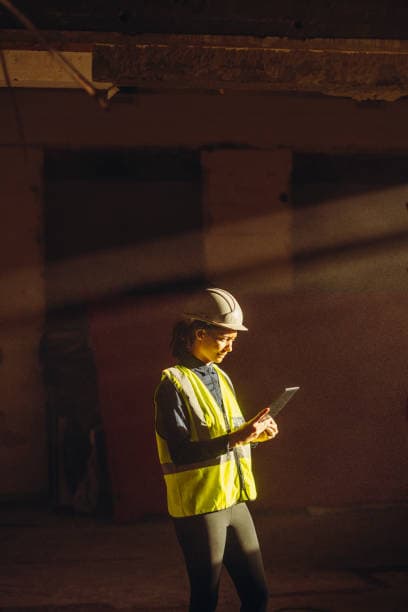
Where we started
Time entries, reports, photos and issues: guided forms on site, a shared project record at the office.
Your conversations, in WhatsApp
Inside the conversation
The team chooses voice mode and describes what happened. The information is organised into a draft of the selected template.
Daily report · Voice
17:12Send your voice note now. Describe the report in your own words: the form will be prefilled for review.
17:12For this evening’s report at Les Oliviers: we finished installing the ground-floor partitions. But two doors are missing from the delivery. Please include that.
Draft prepared. Review before confirming: Daily report
17:12Connect your teams
On site, your teams open WhatsApp to clock in, complete a report or flag an issue.
Guided forms link every update to the right project. The details stay accessible in its record.
Find field updates to validate hours, review reports and organise issue resolution.
How Krewsite began
I come from construction, with a background in construction economics and management. I also enjoy technology and building software. Krewsite grew from bringing these interests together: understanding what happens on site and creating tools to make it easier to follow.
The starting idea
I created Krewsite with a simple idea: construction professionals deserve software they can use easily every day. A worker should be able to send an update from site, and the owner should be able to find it at the office. I chose WhatsApp because teams already know how to use it.
When we talk
When you describe a project, snag or coordination problem, I understand what it means in your working day. Whether you are a worker, construction manager or owner, you can explain what you need in your own words. That understanding guides how I build Krewsite and help you use it.
Site & office
I want to clock in
07:42Record your arrival or departure on site.
07:42Workflow illustrations · Sample data
Practical construction guides that go deeper on this topic.

Built for construction teams